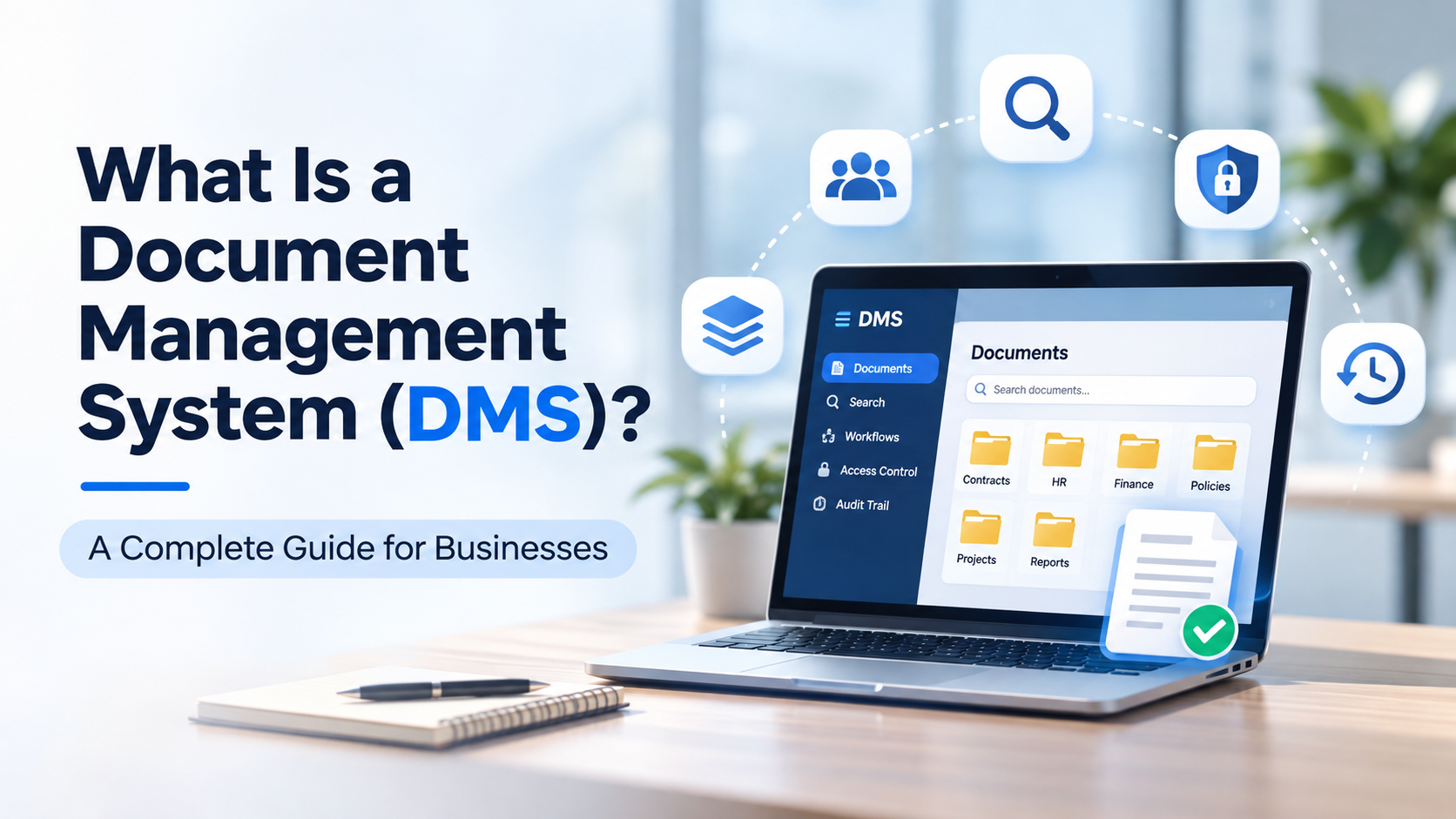
What Is a Document Management System (DMS)? A Complete Guide for Businesses
Every business handles documents. From contracts and invoices to employee records, financial statements, and internal reports, documents are essential to everyday operations.
But as a business grows, managing these documents becomes increasingly difficult.
Files get scattered across computers, shared drives, email attachments, and physical folders. Employees spend time searching for the latest version of a document. Important information becomes difficult to locate, and businesses may struggle to determine who accessed, modified, or deleted a file.
This is where a Document Management System (DMS) comes in.
A DMS helps businesses organise, store, manage, and control their documents in a centralised digital environment. Instead of relying on disconnected folders and manual processes, businesses can establish a more structured approach to handling information.
In this guide, we'll explore what a document management system is, how it works, its essential features, and how businesses can determine whether they need one.
What Is a Document Management System (DMS)?
A Document Management System (DMS) is software designed to store, organise, track, retrieve, and manage digital documents throughout their lifecycle.
Think of it as a centralised digital filing system, but with additional capabilities beyond simply storing files.
A traditional folder allows you to save documents in a particular location. A document management system can also help you control who has access to those documents, track changes, search for information, and manage different versions of the same file.
For example, imagine a company with 30 employees handling hundreds of contracts, invoices, and internal reports.
Without a structured system, documents might be stored across individual computers, email accounts, and shared folders. Finding the correct file could require contacting several employees or searching through multiple locations.
With a DMS, authorised employees can access documents from a central repository, search using relevant information, and retrieve the files they need.
The objective isn't simply to store documents digitally. It's to make business information easier to find, manage, secure, and control.
How Does a Document Management System Work?
Although different DMS platforms offer different capabilities, most follow a similar process.
1. Documents Are Added to the System
Users upload digital files such as PDFs, Word documents, Excel spreadsheets, presentations, and images.
Depending on the platform, documents may also be imported in bulk or automatically captured through integrations with other business applications.
2. Documents Are Organised and Classified
Once uploaded, documents can be organised into folders, categories, or departments.
Some systems also support metadata, which is additional information describing a document.
For example, an employment contract might contain metadata such as:
- Document type: Employment Contract
- Department: Human Resources
- Employee ID: EMP-001
- Creation date: 15 January 2026
- Status: Active
This information makes documents easier to categorise and retrieve.
3. Access Permissions Are Assigned
Not every employee should have access to every company document.
A DMS can allow administrators to define permissions based on users, roles, departments, or specific documents.
For example, HR employees may access personnel records, while finance employees access accounting documents.
4. Documents Are Retrieved When Needed
Users can search for documents using filenames, categories, metadata, or document contents, depending on the system's search capabilities.
This reduces the need to manually navigate numerous folders.
5. Document Activities Are Managed and Tracked
More advanced systems can track document modifications, maintain version histories, record user activities, and apply retention rules.
Together, these capabilities help businesses maintain better control over their information.
8 Essential Features of a Document Management System
Not all document management systems offer the same features. However, several capabilities are particularly valuable for businesses.
1. Centralised Document Repository
A centralised repository provides a structured location for storing and managing business documents.
Instead of maintaining separate copies across different devices, employees can work from an organised document library.
This makes it easier to establish consistent filing practices and reduces dependence on individual employees' personal storage arrangements.
2. Document Search and Retrieval
Finding documents quickly is one of the most practical benefits of a DMS.
Basic systems support searches by filename or folder. More advanced platforms may offer metadata searches and full-text searching.
Some systems also use Optical Character Recognition (OCR) to recognise text within scanned documents or images.
For example, an employee searching for a particular contract number may be able to locate the relevant document without manually opening every file.
However, OCR accuracy depends on factors such as scan quality, document layout, and language support.
3. Document Version Control
Consider a proposal that goes through several revisions.
Without version control, employees might create files named:
- Proposal_Final.docx
- Proposal_Final_v2.docx
- Proposal_Final_Updated.docx
Eventually, it becomes unclear which document is the latest approved version.
Document version control helps maintain a history of changes, allowing users to identify previous versions and, where supported, restore them.
This is especially useful for contracts, policies, procedures, and documents that undergo frequent revisions.
4. Role-Based Access Control
Role-Based Access Control (RBAC) allows businesses to assign document permissions according to an employee's responsibilities.
For example, a company might establish the following permissions:
Depending on the platform, permissions may include viewing, editing, downloading, sharing, or deleting documents.
Effective access control helps reduce unnecessary exposure of confidential information.
5. Audit Trails and Activity Logs
An audit trail records activities performed within a system.
For example, a DMS may record when a user uploads, downloads, modifies, shares, or deletes a document.
If an important file disappears, administrators may be able to review activity logs to investigate what happened.
Audit trails also support internal accountability and can provide useful evidence during reviews or audits.
The exact activities recorded and the length of time logs are retained depend on the system's configuration.
6. Document Retention Management
Businesses often need to retain certain documents for specific periods.
These requirements may arise from legal obligations, industry regulations, contractual agreements, or internal policies.
A DMS with retention management features can help businesses assign retention periods, monitor expiry dates, and identify records requiring review.
However, the software does not determine the correct legal retention period automatically unless it has been specifically configured with applicable rules.
Businesses remain responsible for understanding their own obligations.
7. Secure Document Sharing
Businesses frequently exchange documents with customers, suppliers, auditors, and external advisers.
Some document management systems support secure sharing links with features such as password protection, expiry dates, or access restrictions.
This can provide more control than distributing unrestricted copies through email attachments.
Security still depends on proper configuration and how users handle shared information.
8. Document Workflow Management
Document workflows help coordinate tasks involving multiple people.
For example, a company might establish a process where an employee prepares a document, a manager reviews it, and an authorised person approves it.
Depending on the DMS, workflows may include task assignments, notifications, approval stages, or status tracking.
These features can reduce reliance on informal email conversations and make responsibilities clearer.
What Are the Benefits of a Document Management System?
A well-implemented DMS can improve several aspects of business operations.
Reduced Time Spent Searching for Documents
Employees no longer need to rely entirely on manual folder navigation or contacting colleagues to locate information.
Centralised organisation and effective search functions can make document retrieval faster.
Better Document Security
Permission controls help businesses restrict access to sensitive documents.
Combined with appropriate authentication, encryption, backups, and security policies, a DMS can contribute to stronger information protection.
However, implementing a DMS does not automatically make an organisation secure or compliant.
Improved Accountability
Activity logs and version histories provide greater visibility into how documents are handled.
Businesses can more easily investigate changes, identify document owners, and understand how information moves through the organisation.
More Consistent Document Organisation
Standardised folders, metadata, and naming conventions help employees follow consistent document management practices.
This becomes increasingly valuable as teams expand or responsibilities change.
Easier Collaboration
When employees work with a common document repository, they can reduce unnecessary duplication and confusion about document versions.
Collaboration features vary between platforms, so businesses should verify whether their chosen system supports simultaneous editing, check-in/check-out, or other required capabilities.
Document Management System vs Cloud Storage: What's the Difference?
One common question is whether businesses need a dedicated DMS when they already use cloud storage services such as Google Drive, OneDrive, or Dropbox.
Both can be useful, but they are not necessarily designed around identical requirements.
Importantly, modern cloud platforms can offer advanced document management capabilities, especially through enterprise plans and integrations.
The distinction is therefore not simply that cloud storage lacks these features.
A dedicated DMS may be more suitable when a business requires structured document control, specialised metadata, formal workflows, or retention management within a single application.
For smaller teams with straightforward file-sharing requirements, an existing cloud storage solution may already be sufficient.
Which Businesses Need a Document Management System?
Document management systems are used across many industries, but their value depends more on document complexity than company size.
Law firms often handle contracts, case documents, correspondence, and confidential client information. A DMS can help organise case-related files and control access.
Human Resources departments manage employment contracts, employee records, policies, and confidential personnel information. Structured access permissions and retention management can be especially useful.
Company secretaries handle corporate resolutions, statutory records, meeting minutes, and other company documents requiring consistent organisation.
Accounting and audit firms frequently manage supporting documents, financial reports, and client records. Search functions and activity histories can support more efficient retrieval and review.
ISO-certified businesses may require documented information to be controlled according to applicable management system requirements. Version histories, permissions, and document review processes can support these activities.
A DMS can also benefit smaller organisations where document handling has become difficult to manage through ordinary folders and email.
How Much Does a Document Management System Cost?
The cost of document management software varies considerably.
Some providers offer free or low-cost plans with limited features. Others charge per user, per month, based on storage consumption, or through enterprise licensing agreements.
Costs may depend on:
- Number of users
- Document storage requirements
- Security and administrative features
- Workflow and integration requirements
- Implementation and migration services
- Technical support and maintenance
Businesses should also consider costs beyond the subscription itself.
For example, migrating existing documents, configuring permissions, training employees, and integrating the software with existing systems may require additional investment.
The cheapest subscription is not necessarily the most economical solution if it lacks essential functionality or creates significant administrative work.
For businesses evaluating options in Malaysia, [KeyPrime DMX](#) is one example of a document management platform designed to centralise business documents, manage permissions, maintain activity records, and support structured document control.
*Editor's note: Replace the link above with the actual KeyPrime DMX product page URL before publishing.*
How to Choose the Right Document Management System
Before purchasing a DMS, businesses should first understand their existing document management challenges.
Start by asking a few practical questions.
What problems are we trying to solve?
Is the main issue finding documents, controlling access, managing revisions, or tracking activities?
Identifying the problem helps avoid paying for unnecessary features.
Who will use the system?
Consider the number of employees, their responsibilities, and whether external parties require access.
What security controls are necessary?
Review access permissions, authentication options, encryption, backup procedures, audit logs, and data hosting arrangements.
Can the system grow with the business?
Consider future document volumes, additional users, new departments, and possible integrations.
What support is available?
A system may have excellent features, but implementation guidance, training, and responsive technical support can be equally important.
Whenever possible, request a demonstration using realistic business scenarios rather than relying entirely on a feature list.
Common Mistakes to Avoid When Implementing a DMS
Purchasing document management software is only one part of improving document operations.
One common mistake is migrating poorly organised documents without first reviewing the existing filing structure.
If a business uploads thousands of inconsistently named files into a new system, many of its original problems may remain.
Another mistake is assigning overly broad access permissions. Employees should generally receive access based on their responsibilities rather than having unrestricted access to every document.
Businesses should also establish clear document naming conventions, retention policies, and responsibilities for maintaining records.
Finally, employee training should not be overlooked.
Even a capable DMS may deliver limited value if employees continue storing documents outside the system or do not understand the correct procedures.
Successful implementation requires a combination of suitable technology, clear processes, and consistent employee adoption.
Final Thoughts: Is a Document Management System Worth It?
A document management system can be a valuable investment for businesses that handle growing volumes of documents or require greater control over sensitive information.
Its value goes beyond digital storage.
A well-chosen DMS can help employees find information more efficiently, maintain document histories, manage permissions, and establish consistent processes for handling business records.
However, not every business needs a complex enterprise platform.
The right solution depends on the organisation's size, document volume, security requirements, existing workflows, and budget.
For businesses experiencing difficulties with scattered files, inconsistent versions, or limited visibility over document activities, exploring a dedicated DMS may be a practical next step.
Interested in seeing how a document management system works in practice?
Explore [KeyPrime DMX](#) to learn how a centralised document management platform can support your business, or request a demonstration to evaluate its capabilities.
*Editor's note: Replace the CTA link with your KeyPrime DMX product page URL.*
Frequently Asked Questions
What does DMS stand for?
DMS stands for Document Management System. It refers to software used to store, organise, retrieve, and control digital documents.
What is the difference between DMS and EDMS?
DMS generally refers to document management systems, while EDMS stands for Electronic Document Management System. The terms are often used interchangeably, although their meanings can vary between vendors and industries.
Is Google Drive a document management system?
Google Drive provides document storage, sharing, collaboration, and some management features. Whether it meets an organisation's DMS requirements depends on the controls, workflows, and governance capabilities needed.
Can small businesses use a DMS?
Yes. Small businesses can benefit from document management software, particularly when they handle confidential information, frequently retrieve documents, or need structured access permissions.
Is a document management system secure?
A DMS can support secure document handling through features such as access controls, authentication, encryption, and activity logs. Actual security depends on the platform, its configuration, operational practices, and the provider's security measures.
Check Out Our Keyprime DMX System
Discover how much time and money can be saved when using a reliable document management system.