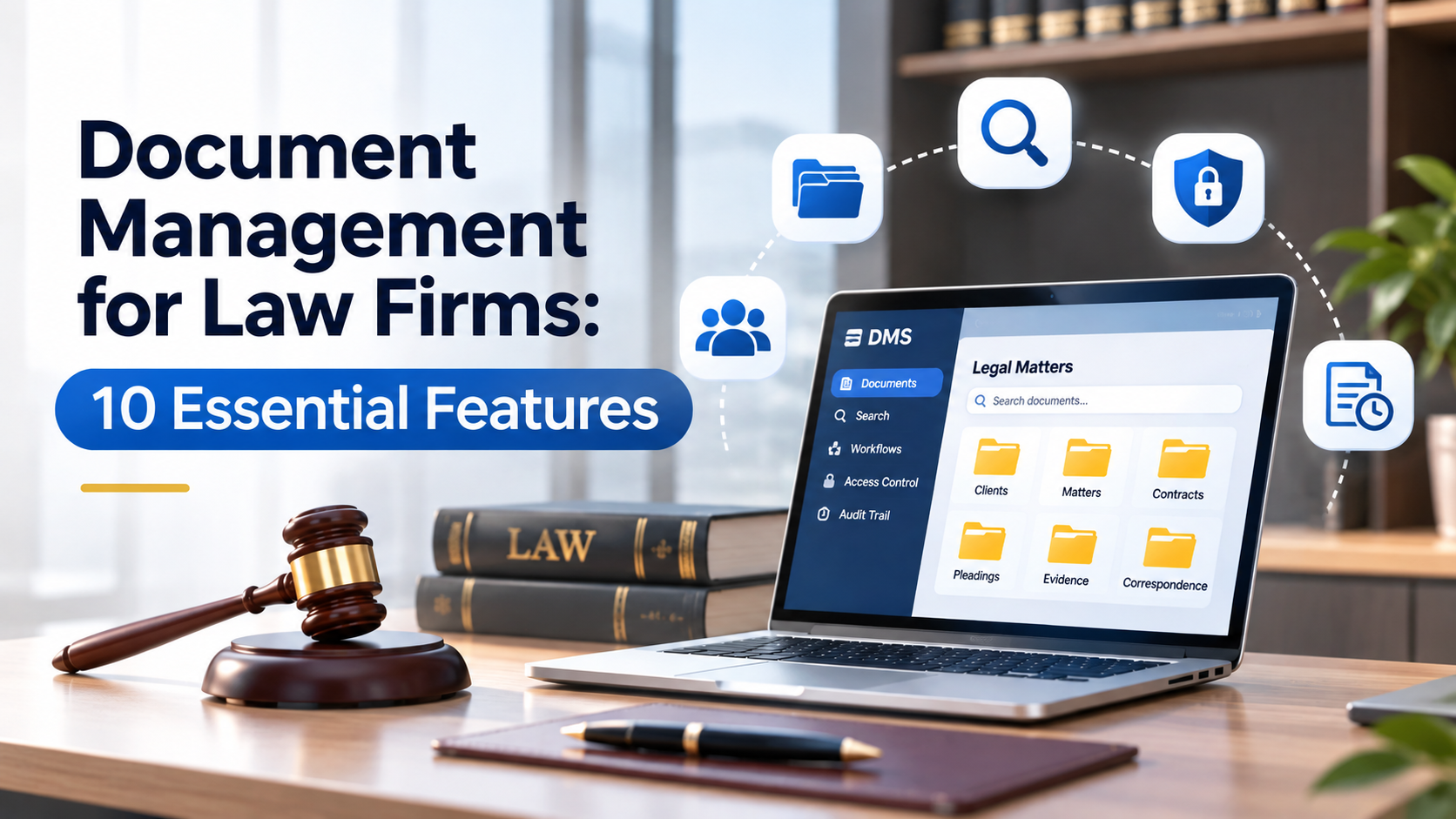
Document Management for Law Firms: 10 Essential Features Every Legal Practice Should Consider
A single legal matter can involve hundreds of documents, from client correspondence and contracts to affidavits, pleadings, evidence, and court submissions.
For law firms handling multiple matters simultaneously, keeping these documents organised, accessible, and confidential is an important part of everyday operations.
Yet many legal practices still rely on a combination of shared folders, email attachments, local computers, and physical filing systems.
These methods may work for smaller workloads, but as the number of clients, matters, and employees increases, document management can become more complicated.
How do you ensure everyone is working with the latest document? Who can access confidential client information? What happens when a file is accidentally deleted or misplaced?
This is where a Document Management System (DMS) for law firms becomes useful.
In this article, we'll explore how legal document management works, the 10 essential features worth considering, and how law firms can evaluate the right system for their practice.
What Is a Document Management System for Law Firms?
A legal document management system is software that helps law firms store, organise, retrieve, manage, and control their digital documents.
Unlike a basic file storage solution, a DMS can provide additional capabilities such as document version control, access permissions, audit trails, and structured document organisation.
For example, consider a litigation firm handling 50 active matters.
Each matter may contain client instructions, correspondence, pleadings, supporting evidence, research materials, and court documents.
Without a consistent filing structure, these files can become scattered across different locations or saved under inconsistent names.
A DMS allows the firm to establish a centralised repository where documents are organised according to clients, matters, document types, or other relevant categories.
Authorised employees can then locate and manage the documents they need without relying entirely on manual folder searches.
Importantly, a DMS does not replace legal practice management software. Practice management platforms may handle billing, time recording, client relationships, and matter administration, while a DMS focuses primarily on managing documents. Some platforms combine both capabilities.
Why Document Management Matters for Law Firms
Law firms face several document management challenges that differ from those of ordinary businesses.
Client confidentiality: Legal documents may contain privileged communications, personal information, financial details, or sensitive commercial information. Firms need appropriate safeguards to prevent unauthorised access.
Document accuracy: Legal documents frequently undergo revisions. Using an outdated draft can create confusion or lead to mistakes.
Document retrieval: Lawyers and support staff may need to locate specific documents quickly when preparing submissions, responding to clients, or reviewing case materials.
Accountability: Firms may need to investigate who modified, downloaded, shared, or deleted a particular file.
Business continuity: Important documents should remain accessible to authorised personnel when employees are absent, change roles, or leave the firm.
A structured document management process helps address these challenges while supporting more consistent legal operations.
10 Essential Document Management Features for Law Firms
1. Centralised Document Repository
A centralised document repository provides one structured environment for managing the firm's digital files.
Instead of storing documents across individual computers, email accounts, and disconnected shared folders, the firm can maintain a consistent document library.
For example, a law firm could organise its repository by client and matter. Within a commercial dispute matter, documents might be categorised into client correspondence, pleadings, evidence, court documents, and internal working documents.
This makes it easier for authorised team members to understand where documents belong.
Why it matters: A centralised repository reduces dependence on individual filing habits and helps maintain continuity when matters are transferred between employees.
2. Advanced Document Search and Retrieval
Finding a document should not require opening dozens of folders or asking multiple colleagues for assistance.
A legal DMS should provide reliable search capabilities.
Depending on the platform, users may search using filenames, document categories, client names, matter references, metadata, or document contents.
Some systems support Optical Character Recognition (OCR), which can make text within scanned documents searchable.
For example, a lawyer preparing for a hearing might need to locate correspondence mentioning a particular agreement.
A system with full-text search may help identify relevant documents without requiring the lawyer to manually inspect every file.
OCR results are not always perfect, especially with poor-quality scans or handwritten documents, so important legal information should still be verified.
Why it matters: Effective search capabilities reduce repetitive administrative work and make large document collections easier to navigate.
3. Document Version Control
Legal documents often go through multiple rounds of drafting, review, and amendment.
Consider a contract that has been reviewed by an associate, amended by a partner, and revised following client feedback.
Without proper version management, the firm may end up with several similarly named files, making it difficult to identify the current working version.
A DMS with version control can maintain a history of revisions and help users distinguish earlier versions from the latest document.
Some platforms also support check-in and check-out controls to reduce conflicting edits.
Why it matters: Version control improves clarity during drafting and review, particularly when multiple people are involved in preparing the same document.
However, version history alone does not confirm that a document has received formal approval. Firms should establish separate approval procedures where necessary.
4. Role-Based Access Control (RBAC)
Not every employee in a law firm should automatically have access to every client or matter file.
Role-Based Access Control (RBAC) allows administrators to assign document permissions according to each employee's responsibilities, ensuring that confidential information is only accessible to authorised individuals.
For example, a managing partner may require access to selected matters across the firm, while individual partners may only need access to matters under their supervision. Associates can be granted access to cases they are assigned to, allowing them to review and update relevant documents without exposing unrelated client information.
Legal secretaries may require access to correspondence, court documents, and administrative files associated with the matters they support. Meanwhile, the accounts department may only need access to authorised billing records, invoices, and financial documents rather than confidential case materials.
Depending on the system, administrators can configure permissions to determine whether a user is allowed to view, edit, download, share, or delete specific documents.
For particularly sensitive matters, firms may also require restrictions at the individual folder or document level.
Why it matters: Appropriate access controls help protect confidential client information and support the principle of granting employees only the access necessary to perform their responsibilities.
These permissions should be reviewed regularly, especially when employees change roles, transfer between departments, or leave the firm.
5. Audit Trails and Activity Logs
Imagine discovering that an important document has been deleted or modified unexpectedly.
Without an activity history, determining what happened may be difficult.
A DMS with audit logging can record actions such as document uploads, downloads, modifications, sharing, and deletion.
Depending on the system, logs may include the user's identity, action performed, and timestamp.
This can help administrators investigate incidents and understand how documents are being handled.
Why it matters: Audit trails support internal accountability and provide greater visibility into document activity.
However, logs are only useful if the relevant events are recorded, protected from unauthorised alteration, and retained for an appropriate period.
6. Secure External Document Sharing
Law firms regularly exchange documents with clients, external counsel, accountants, experts, and other authorised parties.
Email attachments are convenient, but once a file has been sent, controlling its further distribution can be difficult.
Some DMS platforms offer secure external sharing links with controls such as passwords, expiry dates, or access restrictions.
For example, a lawyer might share a draft agreement through a password-protected link instead of sending an unrestricted attachment.
Why it matters: Controlled sharing can reduce unnecessary exposure and provide a more structured method of distributing confidential documents.
Firms should still verify recipients, use appropriate authentication, and understand that downloaded copies may remain outside the system's control.
7. Document Retention and Expiry Management
Law firms manage documents that may need to be retained for different periods depending on their nature, the matter involved, and applicable legal or professional requirements.
Keeping everything indefinitely is not always appropriate, but deleting records prematurely can also create risks.
A DMS with retention management features can help firms assign retention periods, monitor expiry dates, and identify records requiring review.
For example, a firm may configure a category of closed-matter documents for periodic retention review.
Why it matters: Retention management supports consistent records governance and reduces dependence on individual employees remembering review dates.
In Malaysia, retention decisions should consider applicable laws, professional obligations, contractual requirements, and any ongoing proceedings or legal holds. A DMS cannot independently determine the correct retention period for every document.
8. Document Metadata and Classification
Metadata is information used to describe and categorise a document.
In a legal environment, useful metadata might include the client name, matter reference, document type, responsible lawyer, document date, matter status, and confidentiality classification.
For example, a firm might classify a document as a witness statement associated with a specific litigation matter.
Rather than relying entirely on filenames, employees can use these details to locate related records.
Why it matters: Consistent metadata makes document collections easier to organise and search, particularly when firms handle large numbers of similar files.
The quality of the results depends on how consistently employees apply the required classifications.
9. Document Workflow and Approval Management
Many legal documents require internal review before they are finalised or shared.
A typical process might involve an associate preparing a draft, a partner reviewing it, and an authorised employee releasing the approved version.
Some document management systems support workflow tools that assign tasks, track review stages, or notify users when action is required.
For example, a contract may begin as a draft prepared by an associate. It is then submitted to a partner for review, returned for amendments if necessary, and finally approved before being shared with the client.
Why it matters: Structured workflows can make responsibilities clearer and reduce confusion about whether a document is ready for use.
Law firms should check whether a prospective DMS supports their actual review process rather than assuming every platform includes advanced workflow automation.
10. Data Security, Backups and Recovery
Legal documents can contain highly sensitive information, making data protection a major consideration when choosing a DMS.
Important security capabilities to evaluate include encryption, multi-factor authentication, secure user access, backup procedures, and disaster recovery arrangements.
Firms should also understand where their information is hosted and how the provider handles security incidents.
For example, if an employee accidentally deletes a document, the firm's ability to recover it may depend on version history, backup policies, retention settings, and recovery procedures.
Why it matters: A DMS should support the firm's wider information security practices, not become a single point of failure.
No software can guarantee complete protection against cyberattacks, human error, or operational disruption.
Document Management System vs Shared Folders: Which Is Better for Law Firms?
Many smaller legal practices begin with shared folders or cloud storage platforms.
These can be practical solutions, especially for firms with relatively simple document requirements.
Modern platforms such as Google Drive, Microsoft 365, and SharePoint can also provide access controls, version histories, collaboration features, and administrative tools.
However, firms requiring detailed matter-based organisation, specialised metadata, formal document workflows, or granular audit capabilities may benefit from a dedicated DMS.
The decision should be based on actual requirements rather than assuming that one category of software is automatically more secure or capable than another.
For a deeper introduction to the technology, read our guide: [What Is a Document Management System (DMS)?](#)
*Replace the placeholder with the published introductory DMS article.*
How to Choose the Right DMS for Your Law Firm
Before investing in document management software, law firms should assess how documents currently move through their practice.
Start by identifying the most common problems.
Are employees struggling to find documents? Are multiple versions causing confusion? Is access to confidential matters difficult to control?
Next, evaluate the software against realistic scenarios.
For example, ask the provider to demonstrate how an associate can locate a document, how a partner can review changes, and how administrators can investigate a deleted file.
Other important considerations include ease of use for lawyers and support staff, permission controls for confidential matters, search accuracy, document organisation, integration with existing legal software, data security, backup arrangements, technical support, and total implementation costs.
A practical demonstration using representative documents is often more useful than reviewing a long feature list.
Common Mistakes Law Firms Should Avoid
Implementing a DMS does not automatically resolve poor document management practices.
One common mistake is transferring existing files without establishing a consistent folder structure or naming convention.
Another is giving too many employees unrestricted access to sensitive matters.
Firms may also overlook staff training, resulting in documents continuing to circulate through email attachments and personal folders instead of the approved repository.
Finally, firms should avoid assuming that purchasing software automatically satisfies confidentiality, privacy, or professional obligations.
Technology should support well-defined policies, appropriate supervision, and responsible information handling.
Final Thoughts: Is a DMS Worth It for Law Firms?
A document management system can help law firms establish a more structured approach to managing client files, legal documents, and internal records.
Features such as centralised storage, advanced search, version control, access permissions, and audit trails can support more efficient document handling and stronger accountability.
However, the right system depends on the firm's size, practice areas, document volume, existing technology, and operational requirements.
A smaller practice may only need straightforward document organisation and access controls. A larger firm handling complex matters may require more detailed permissions, metadata, workflows, and administrative oversight.
The most effective approach is to identify the firm's actual document management challenges before choosing a solution.
Explore KeyPrime DMX for Your Law Firm
If your legal practice is considering a more structured way to manage documents, KeyPrime DMX provides a centralised document management platform with features such as document organisation, version control, role-based access permissions, audit trails, and secure external sharing.
[Explore KeyPrime DMX and Request a Demo](#)
*Replace the placeholder with the actual KeyPrime DMX product page.*
Frequently Asked Questions
What is legal document management software?
Legal document management software helps law firms organise, store, retrieve, and control digital documents. Depending on the platform, it may include version control, audit logs, access permissions, and workflow management.
Can a small law firm benefit from a DMS?
Yes. Smaller firms may benefit from structured document organisation, secure access controls, and easier retrieval, particularly when handling confidential client information or multiple active matters.
Is cloud-based document management suitable for law firms?
Cloud-based DMS platforms can be suitable for law firms when their security, confidentiality, data handling, availability, and contractual arrangements meet the firm's requirements. Providers and configurations should be evaluated individually.
Does a DMS replace legal practice management software?
Not necessarily. A DMS primarily manages documents, while legal practice management software may handle billing, time recording, matter administration, and client management. Some products combine these functions.
Does a DMS automatically make a law firm PDPA-compliant?
No. Document management software may support privacy and security controls, but compliance with Malaysia's Personal Data Protection Act 2010 and other applicable obligations depends on the firm's overall policies, processes, contracts, and practices.
Check Out Our Keyprime DMX System
Discover how much time and money can be saved when using a reliable document management system.